Your finances in Claude Code
The short answer
Yes. One command adds finko as an MCP server, and the first time you use it Claude Code opens the sign-in in your browser. After that you ask about your month in the same place you work.
Ask it like this
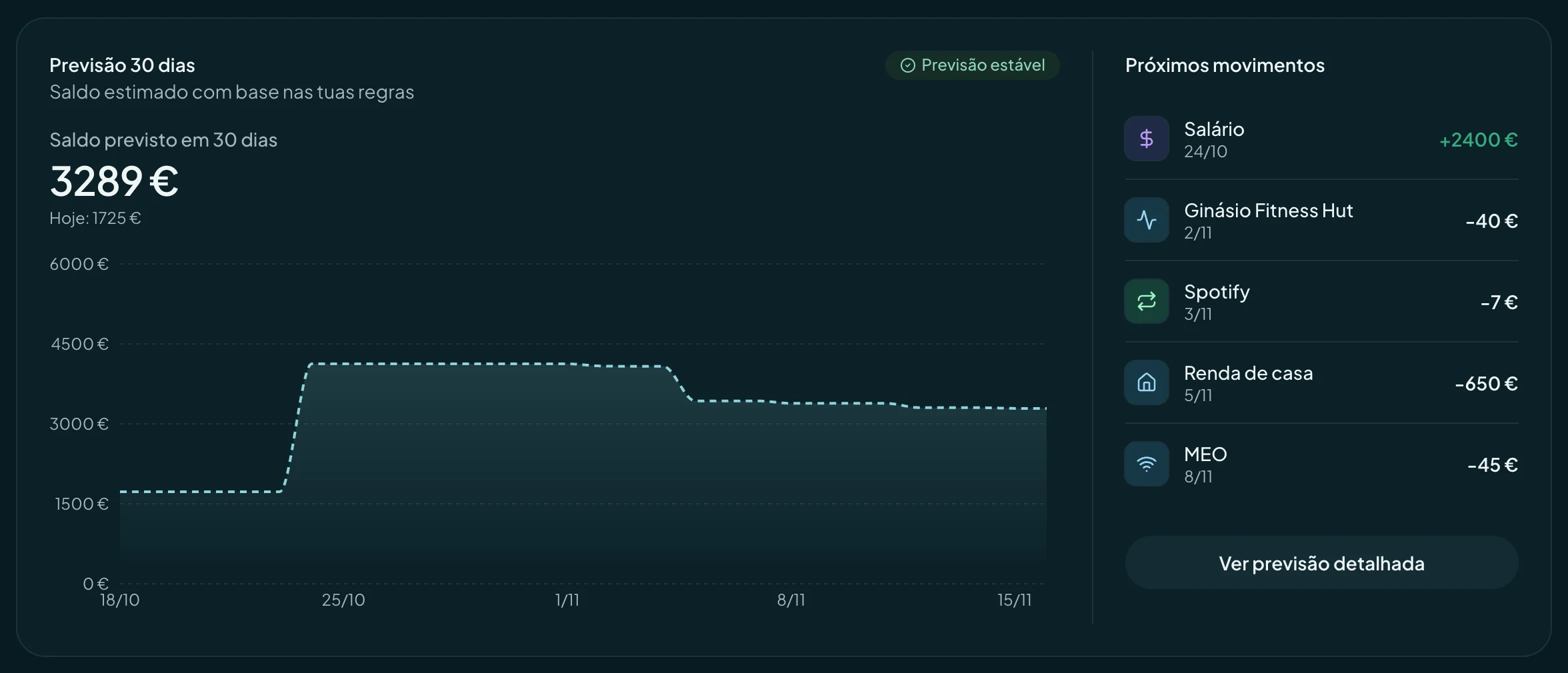
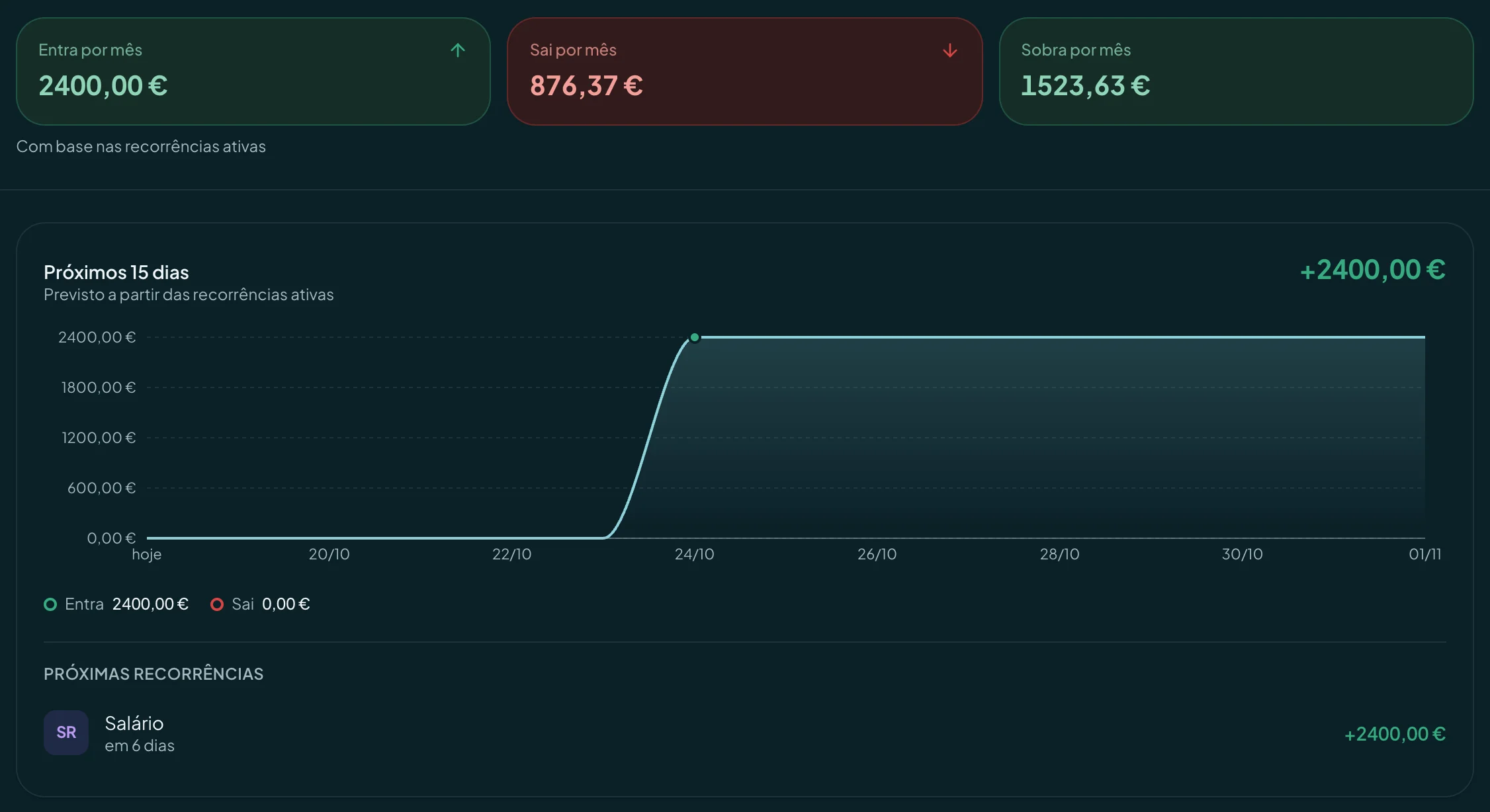
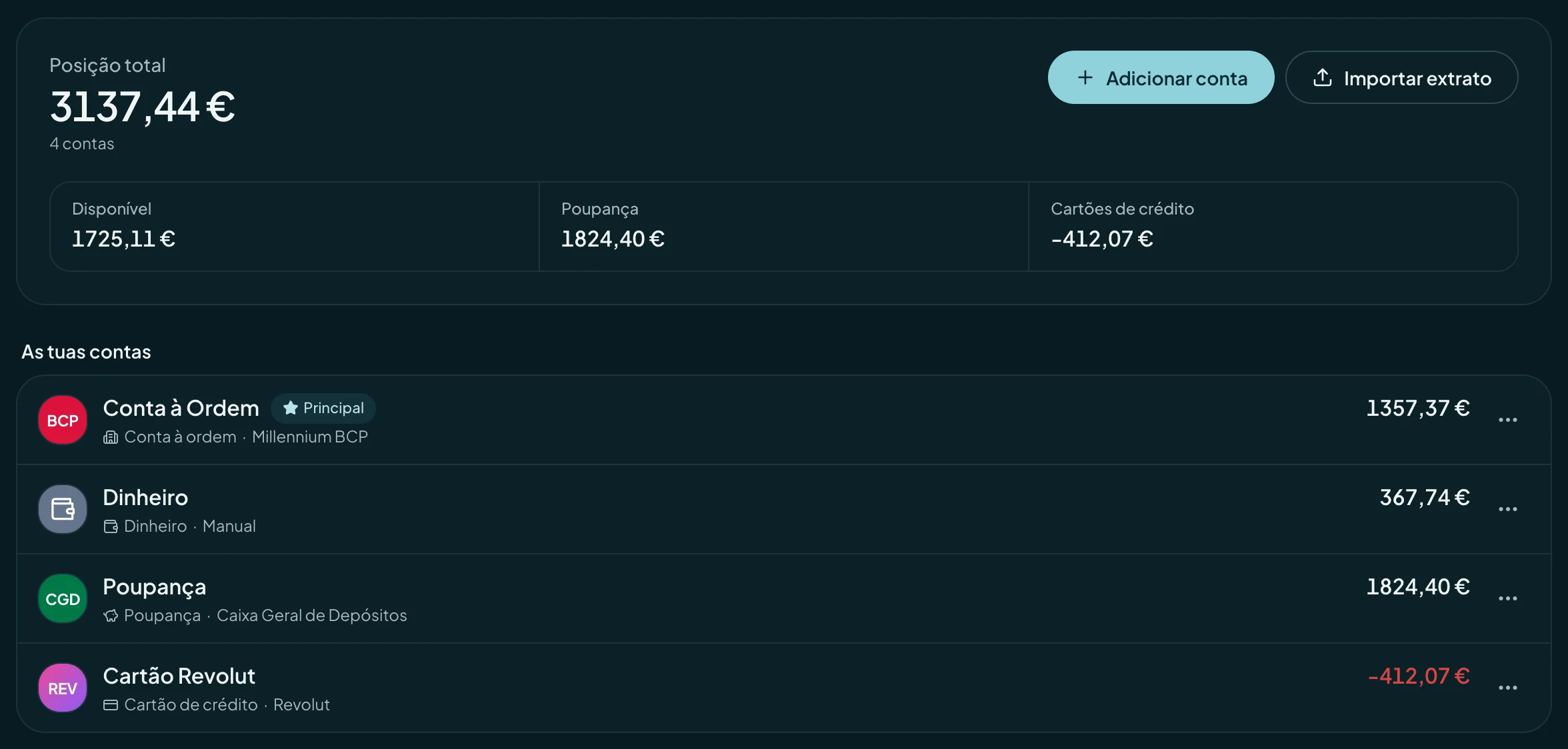
- Claude CodeSum up my month: income, spending and forecast balance.
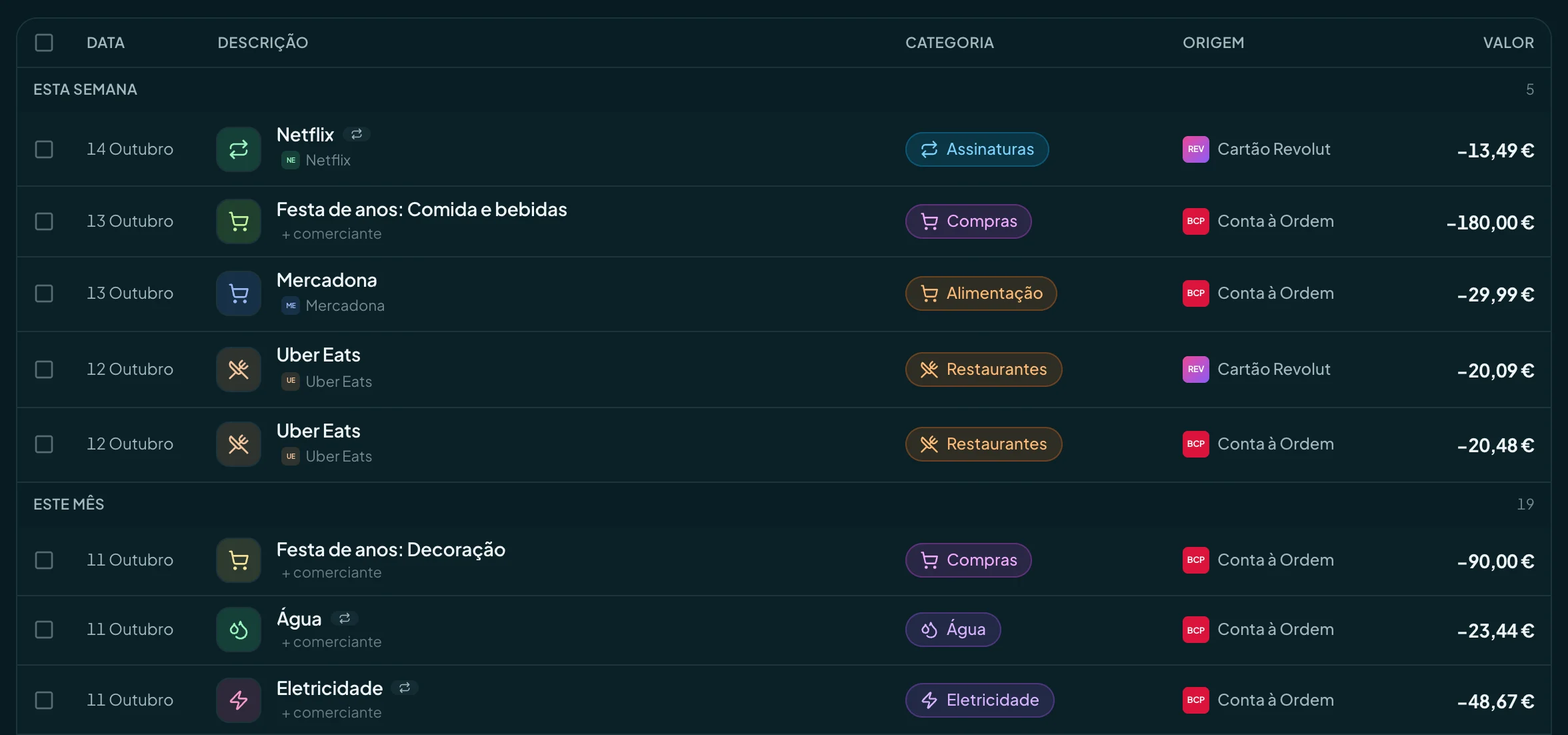
- Claude CodeList the transactions over €200 from the last 30 days.
- Claude CodePlan the €120 insurance payment for the 20th.
- Claude CodeWhich day this month will I have the least money?
Connect in two minutes
- Run this command in your terminal.
Command
claude mcp add --transport http finko https://api.finko.pt/ api/ mcp - Inside Claude Code, type /mcp, choose finko and sign in in your browser.
MCP server address
https://Good to know
- The command uses HTTP transport and OAuth: you don’t need an API key.
- If you’d rather use an API key, generate one in Settings, AI agents, Advanced.
Questions
Can the agent touch my money?
No. finko doesn’t make payments or transfers, and neither does the agent. By default it only reads. If you give it write access, it can create, change and delete what you manage in finko, such as transactions, budgets, goals and recurring rules. It never moves money, never connects banks and never shares anything with other people.
Can I use finko in scripts or automations?
Yes. With an API key, any MCP client can talk to finko. Keys are created in Settings, AI agents, and are read only unless you turn on write access.
How much does it cost to connect the agent to finko?
Nothing. Agent access is included in every finko plan, Free too. You need your own account with the agent’s service, on whatever plan that service asks for.
 Hermes Agent