Ask Gemini about your balance
The short answer
Yes, through Gemini CLI, which supports MCP servers. You add finko to the configuration, sign in and Gemini answers with your forecast. The Gemini chat app doesn’t accept custom MCP connectors yet.
Ask it like this
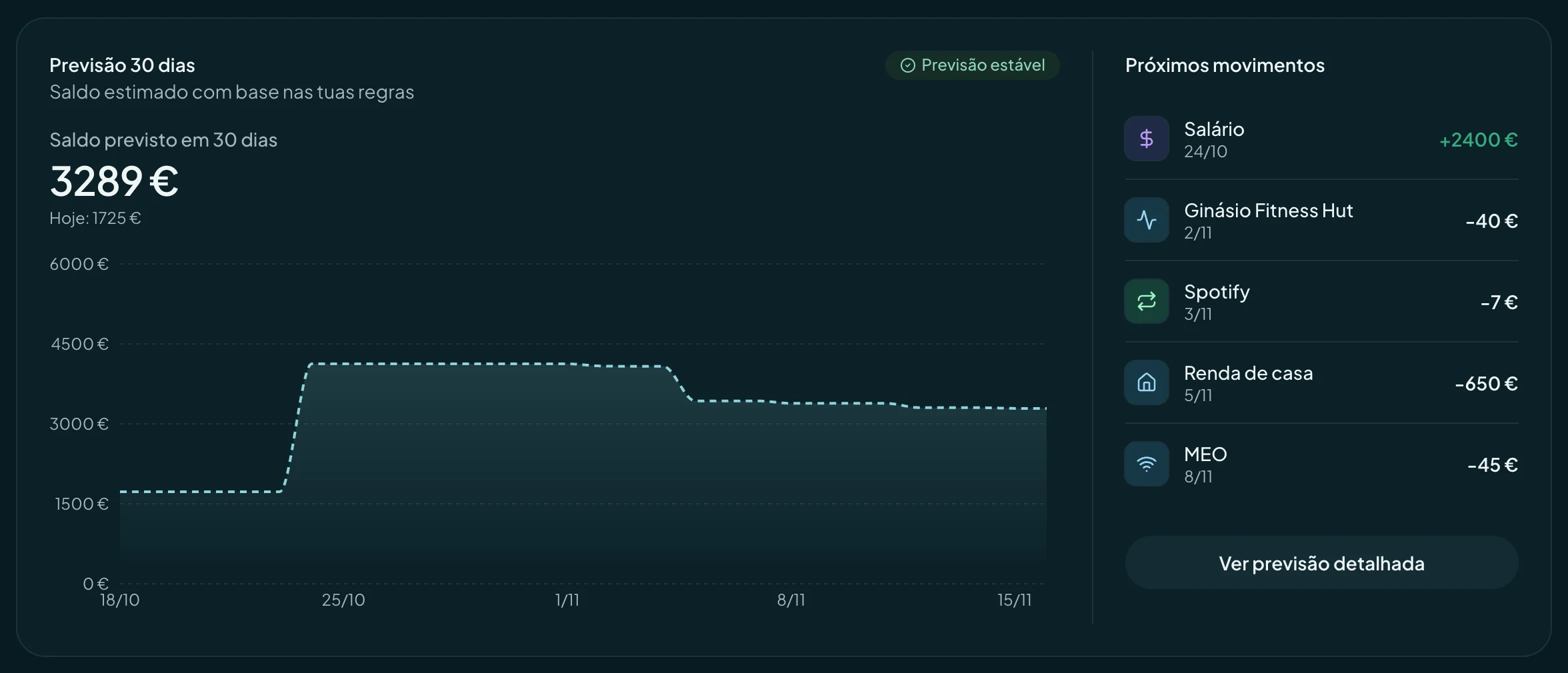
- GeminiHow much will I have at the end of the month?
- GeminiSimulate a €300 expense on the 20th.
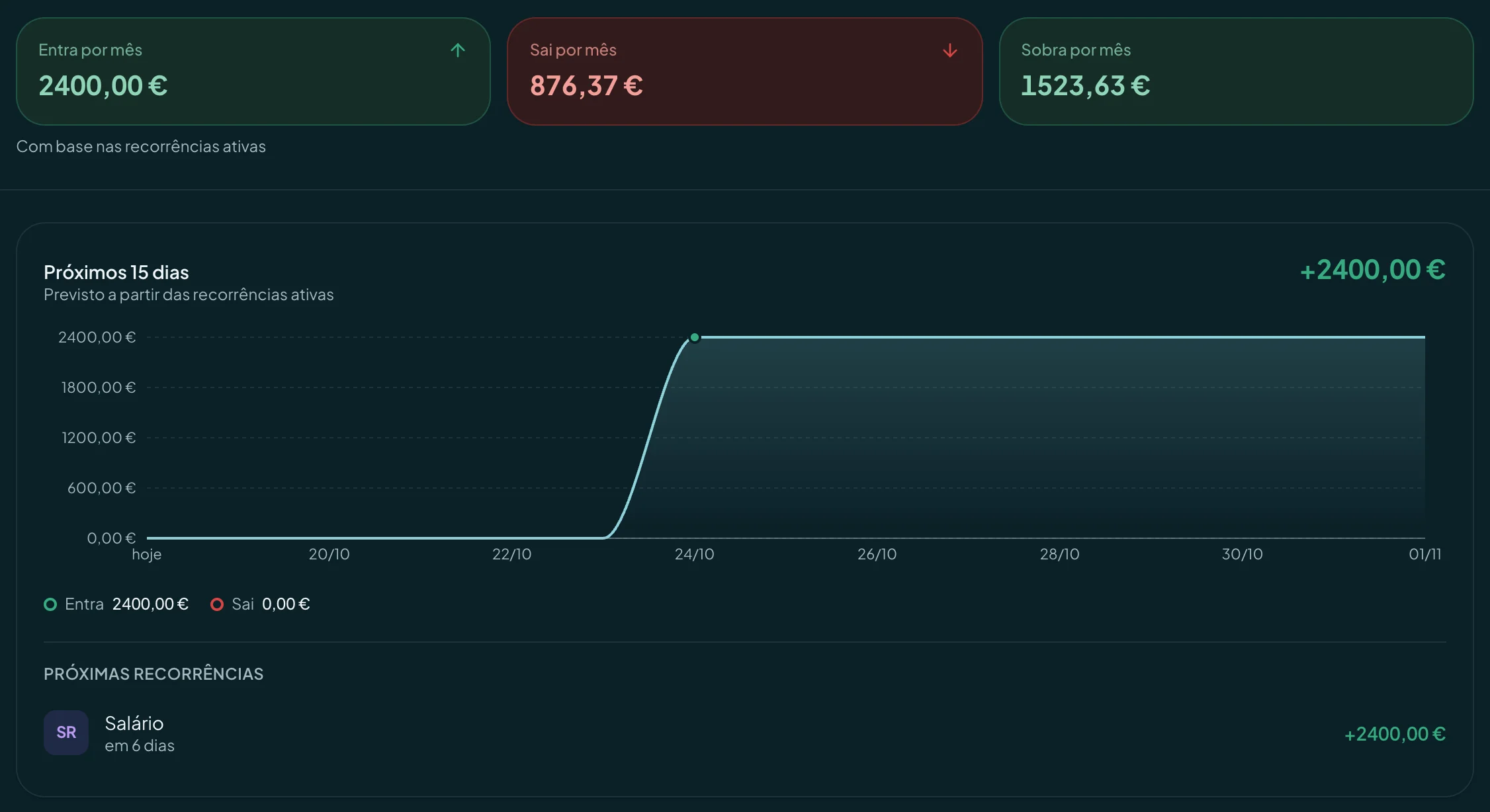
- GeminiWhich recurring payments do I have?
Connect in two minutes
- Add finko to the MCP servers in your Gemini CLI configuration, with finko’s address.
MCP configuration (JSON)
{ "mcpServers": { "finko": { "url": "https://api.finko.pt/ api/ mcp" } } } - Start Gemini CLI and sign in to finko when asked.
MCP server address
https://Good to know
- If your client doesn’t support signing in, use an API key with the mcp-remote bridge. The full guide covers it.
Questions
Can the agent touch my money?
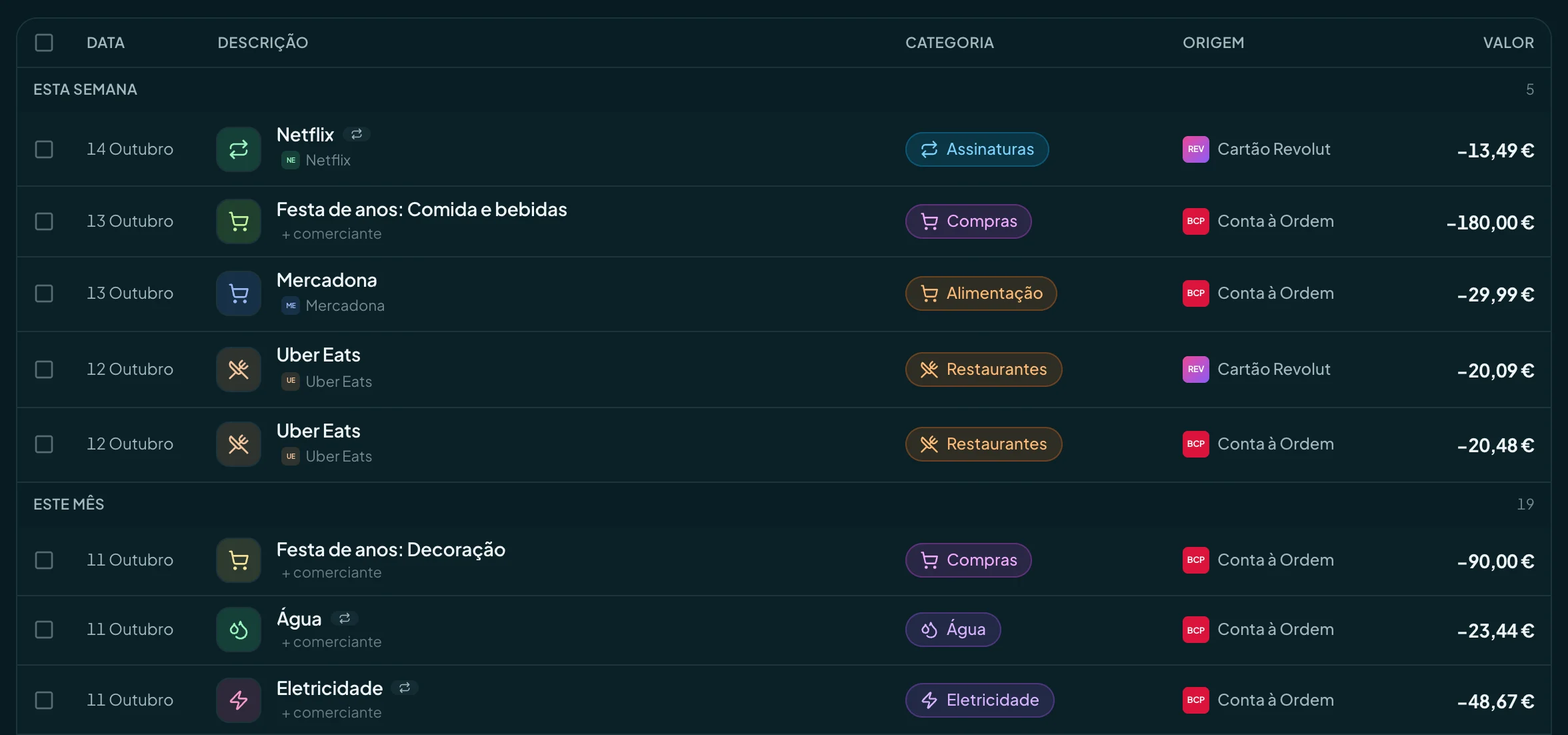
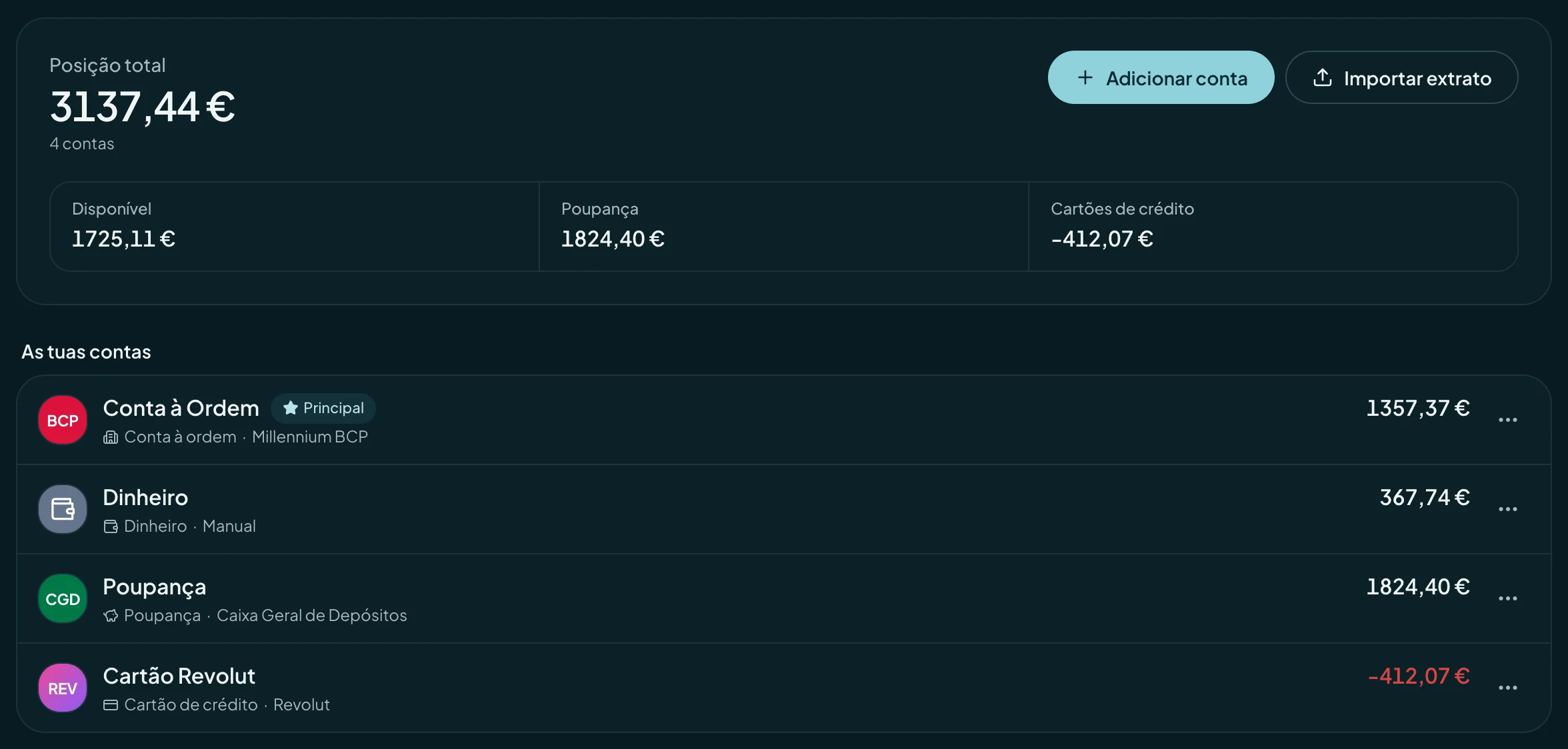
No. finko doesn’t make payments or transfers, and neither does the agent. By default it only reads. If you give it write access, it can create, change and delete what you manage in finko, such as transactions, budgets, goals and recurring rules. It never moves money, never connects banks and never shares anything with other people.
How much does it cost to connect the agent to finko?
Nothing. Agent access is included in every finko plan, Free too. You need your own account with the agent’s service, on whatever plan that service asks for.
 Hermes Agent